
Best Broadband for Gamers
Best Broadband for Gamers – Tested and Compared for 2026

In the fast-paced world of online gaming, your broadband connection can make or break your experience. Lag, high ping, and poor connection stability can quickly turn a fun gaming session into a frustrating one.
Whether you’re climbing the competitive ladder in Call of Duty or exploring vast open worlds in Fortnite or GTA Online, a reliable, high-speed broadband connection is essential.
This article outlines some tips for picking the best broadband for your gaming needs, as well as highlighting the best broadband options for gaming. Availability will vary depending on your location.
Best Wi-Fi for Gaming Table of Contents
hide
Why Is Broadband Important for Gaming?
Gaming relies heavily on a consistent and responsive internet connection. While some people believe raw speed is all that matters, the real game-changers are latency (ping), stability, and bandwidth. Fast download speeds help with game updates and installations, but low latency ensures smooth gameplay, especially in multiplayer environments.
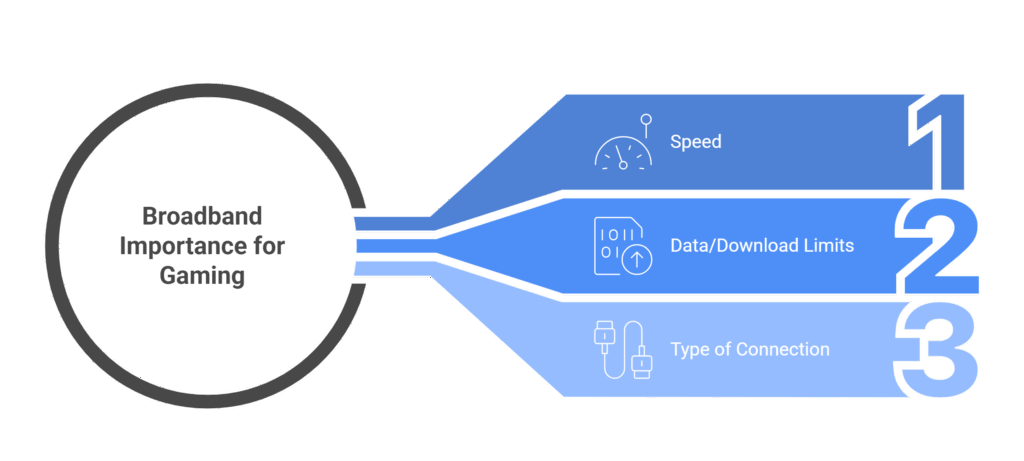
A great broadband connection means lower lag, quicker response times, and less chance of disconnecting during crucial moments.
When looking at different broadband deals with gaming in mind, it is important to consider:
- Speed – Faster download and upload speeds reduce lag, speed up game downloads, and improve online performance.
- Data/Download Limits – Unlimited data is best, as game downloads and updates can quickly eat through capped plans.
- Type of Connection – Fibre broadband offers the most stable and low-latency connection, ideal for smooth, responsive gaming.
What Is the Best Wi-Fi Speed for Gaming?
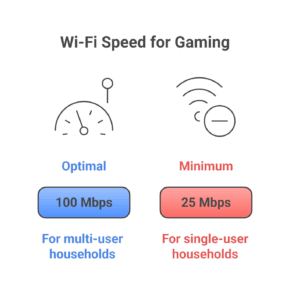
While there’s no one-size-fits-all answer, generally, a speed of at least 25 Mbps for downloads and 3 Mbps for uploads is the minimum for gaming. However, this can vary significantly based on:
- The number of connected devices (smart TVs, mobiles, tablets, etc.)
- Types of games played (competitive FPS titles require more stability than turn-based or solo games)
- Whether you’re streaming or downloading content while playing games
Gamers in multi-user households or those who stream gameplay will likely need 100 Mbps or more for an optimal experience.
Test Your Broadband SpeedDon’t Forget About Ping and Latency
While download and upload speeds are important, ping (also known as latency) plays a critical role in online gaming performance. Ping is the time it takes for data to travel from your device to the game server and back, measured in milliseconds (ms).
- Low ping (under 30ms) is ideal for fast, responsive gameplay.
- Medium ping (30 – 70ms) is generally acceptable for most games.
- High ping (over 100ms) can cause noticeable lag, delayed actions, or rubber-banding in multiplayer games.
Even with high-speed broadband, poor latency can ruin the gaming experience. A wired Ethernet connection and a quality fibre broadband provider can help ensure consistently low ping and reduced lag during gameplay.
Top Broadband Options for Gaming in the UK
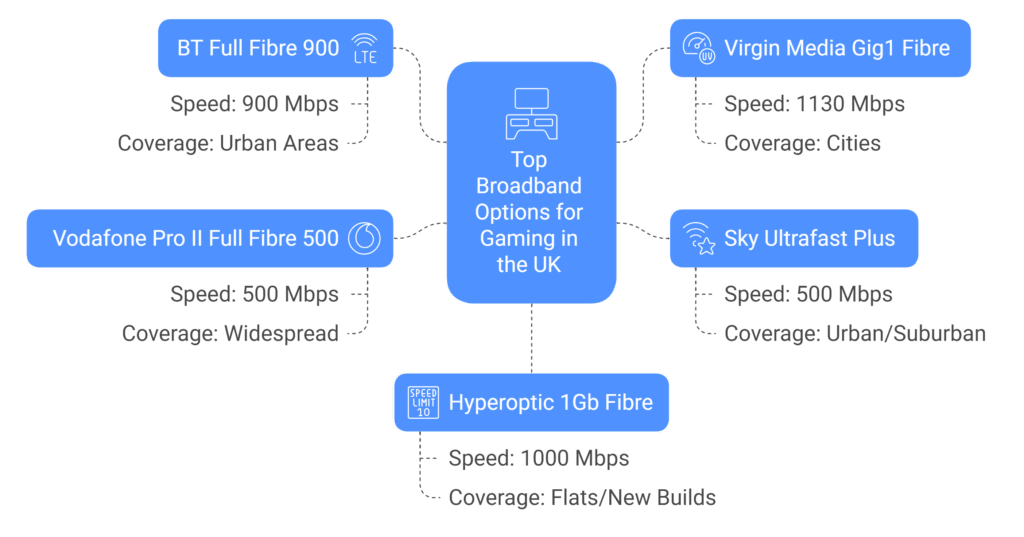
| Product | Provider | Speed (Download / Upload) | Data Limit | Coverage | Why It’s Great |
|---|---|---|---|---|---|
| BT Full Fibre 900 | BT | Up to 900 Mbps / 110 Mbps | Unlimited | Available in many urban areas (check postcode) | One of the fastest mainstream broadband options in the UK, with ultra-low latency and high upload speeds perfect for gaming and streaming. |
| Virgin Media Gig1 Fibre | Virgin Media | Up to 1130 Mbps / 52 Mbps | Unlimited | Extensive in cities, less so in rural regions | Blazing fast speeds for quick downloads and solid upload performance for streamers and multiplayer gamers. |
| Sky Full Fibre 500 | Sky | Up to 500 Mbps / 60 Mbps | Unlimited | Good in most urban and suburban areas | Great value for performance, excellent customer service, and known reliability. |
| Vodafone Pro II Full Fibre 500 | Vodafone | Up to 500 Mbps / 70 Mbps | Unlimited | Widespread, expanding reach | Comes with a Wi-Fi 6E router and backup 4G broadband, excellent for households where reliability is critical. |
| Hyperoptic 1Gb Fibre | Hyperoptic | Up to 1000 Mbps / 1000 Mbps | Unlimited | Primarily in flats and new builds in select UK cities | Symmetrical speeds (equal upload and download) are ideal for streaming and competitive gaming. |
Coverage and packages will vary depending on your location. To find the best option for you and your specific gaming needs, use our comparison tool.
Can I Optimise My Current Wifi for Gaming?
Yes, you don’t always need to upgrade your broadband provider to improve your gaming experience.
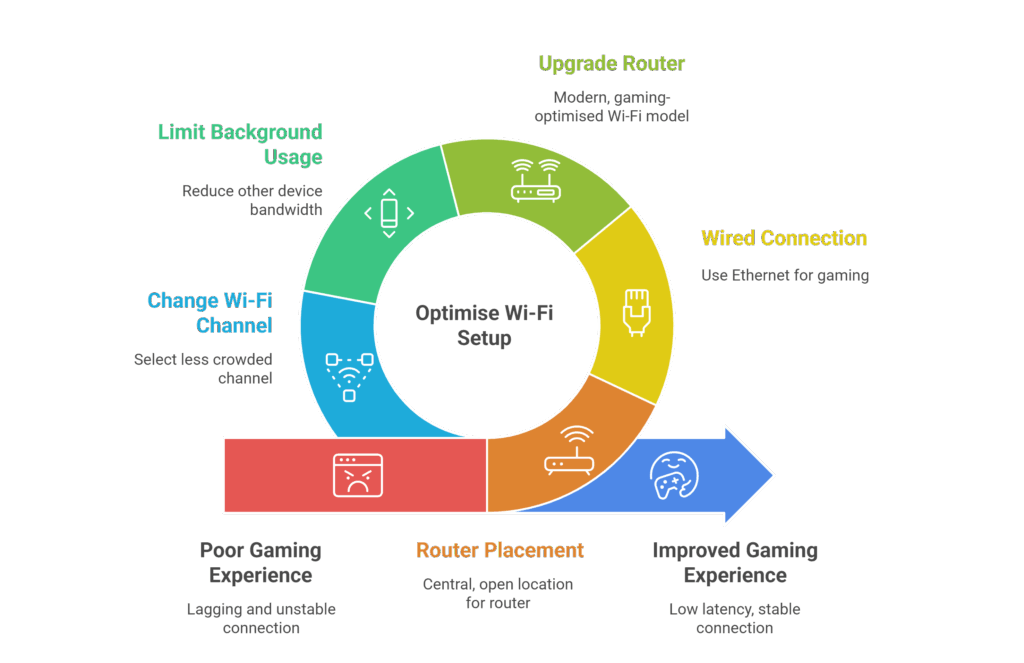
Start by optimising your current Wi-Fi setup:
- Position your router in a central, open location away from walls or electronic interference.
- Use a wired Ethernet connection for your gaming device if possible – it offers the lowest latency and most stable connection.
- Upgrade your router to a modern, gaming-optimised model (Wi-Fi 6 or Wi-Fi 6E).
- Limit background usage from other devices during gaming sessions.
- Change to a less crowded Wi-Fi channel via your router settings, especially in apartment blocks or high-density areas.
These changes can significantly reduce lag and improve overall performance.
Need Help Choosing Your Gaming Wifi?
 Choosing the best broadband for gaming depends on several factors: speed, latency, upload bandwidth, and household usage.
The options listed above represent some of the top-performing broadband services in the UK, but remember, availability can vary by area.
For a fully personalised set of broadband options, use our broadband comparison tool to find the best gaming broadband deals available in your postcode.
Best Broadband for Gamers – Conclusion.
Choosing the best broadband for gaming in the UK requires more than just a fast download speed. While high speeds are crucial for downloading games and updates, a smooth online gaming experience depends on a stable connection with low latency (ping) and fast upload speeds. Full fibre broadband (FTTP) is widely considered the gold standard due to its reliability and symmetrical upload/download speeds offered by some providers, though part-fibre (FTTC) is still sufficient for most casual gamers.
Many providers are now offering packages tailored to gamers, but their performance and coverage can vary significantly. Some providers, like Virgin Media, offer incredibly fast download speeds but may have lower upload speeds and be less available in rural areas. Others, like Hyperoptic and Community Fibre, provide exceptional symmetrical speeds, but their network is often limited to specific urban areas and apartment buildings. Established providers like BT and Sky benefit from extensive network coverage, offering a good balance of speed and reliability across the country.
Commonly asked gaming wifi questions
Can Wi-Fi be reliable enough for competitive gaming?
Wi-Fi can work, but it's often less stable than a wired Ethernet connection. For the best performance and minimal lag, serious gamers should connect directly to the router via Ethernet.
How often should I upgrade my router for gaming?
If your router is over 4–5 years old or doesn’t support the latest Wi-Fi standards (like Wi-Fi 5 or 6), upgrading can boost performance, especially when gaming wirelessly.
Does my broadband package affect my voice chat or streaming quality?
Yes. Low upload speeds can cause issues with voice chat or game streaming. Aim for upload speeds of at least 10 Mbps for smooth, uninterrupted communication and streaming
Is symmetrical upload/download speed important for gaming?
While not essential for casual play, symmetrical speeds (common with full fibre) are great for streamers and multiplayer gamers who upload a lot of data while playing.
How can I reduce lag when multiple people are using the internet?
Choose a broadband plan with high bandwidth, and consider a router that supports QoS (Quality of Service) to prioritise gaming traffic over other devices.
Can a VPN improve or harm my gaming connection?
In most cases, a VPN adds extra distance between you and the server, increasing latency. However, in rare cases, it may help bypass throttling or connect to specific regional servers.