
Boost Your Broadband: Tips for Speed and Reliability
Are you tired of buffering videos, slow loading pages, and unreliable internet connections?

Upgrading your broadband package/best-broadband-deals-this-week/ might be the answer, but before you start searching or considering a new broadband package, have a look at these practical tips to help optimise your existing broadband connection.
Understanding Your Broadband Speed
The first step to improving your broadband speed is understanding what you currently have.
Most broadband providers offer speed tests on their websites. Alternatively, you can use independent speed testing platforms such as Ookla speedtest or Which broadband speed test for a more neutral result.
Once you know your current speed, this can help you identify potential issues and/or areas for improvement.
Optimising Your Home Network
- Router Placement: Your router’s location will significantly impacts signal strength. Ideally, place it in a central location, away from obstacles like walls and electronic devices. Experiment with different positions to find the best spot.
- Check for Interference: Wireless devices like cordless phones, microwaves, and baby monitors can interfere with your Wi-Fi signal. Keep them as far away from your router if possible.
- Update Router Firmware: Outdated firmware can affect performance. Log into your router regularly and check for updates.
- Use Ethernet Cables where possible: For devices that are stationary, like desktop computers or smart TVs, consider using Ethernet cables for a more reliable and faster connection.
Maximise Your Broadband Potential
- Manage Connected Devices: Every device connected to your home network shares your broadband speed. Disconnect unused devices to improve performance.
- Prioritise Bandwidth: If you’re experiencing slowdowns during peak times, consider using quality of service (QoS) settings on your router to prioritise bandwidth for specific devices or applications.
- Regularly Restart Your Router: A simple restart can often resolve temporary connection issues.
- Check for Malware: Malicious software can slow down your internet connection. Run regular system scans with antivirus software.
Related Articles

Amazon Satellite Broadband 2026 UK Launch, Speeds and Prices
Amazon satellite broadband completely alters how rural homes connect to the internet. The new low Earth orbit constellation delivers gigabit speeds to properties entirely ignored by traditional providers. We are looking at a system designed to undercut existing competitors directly.
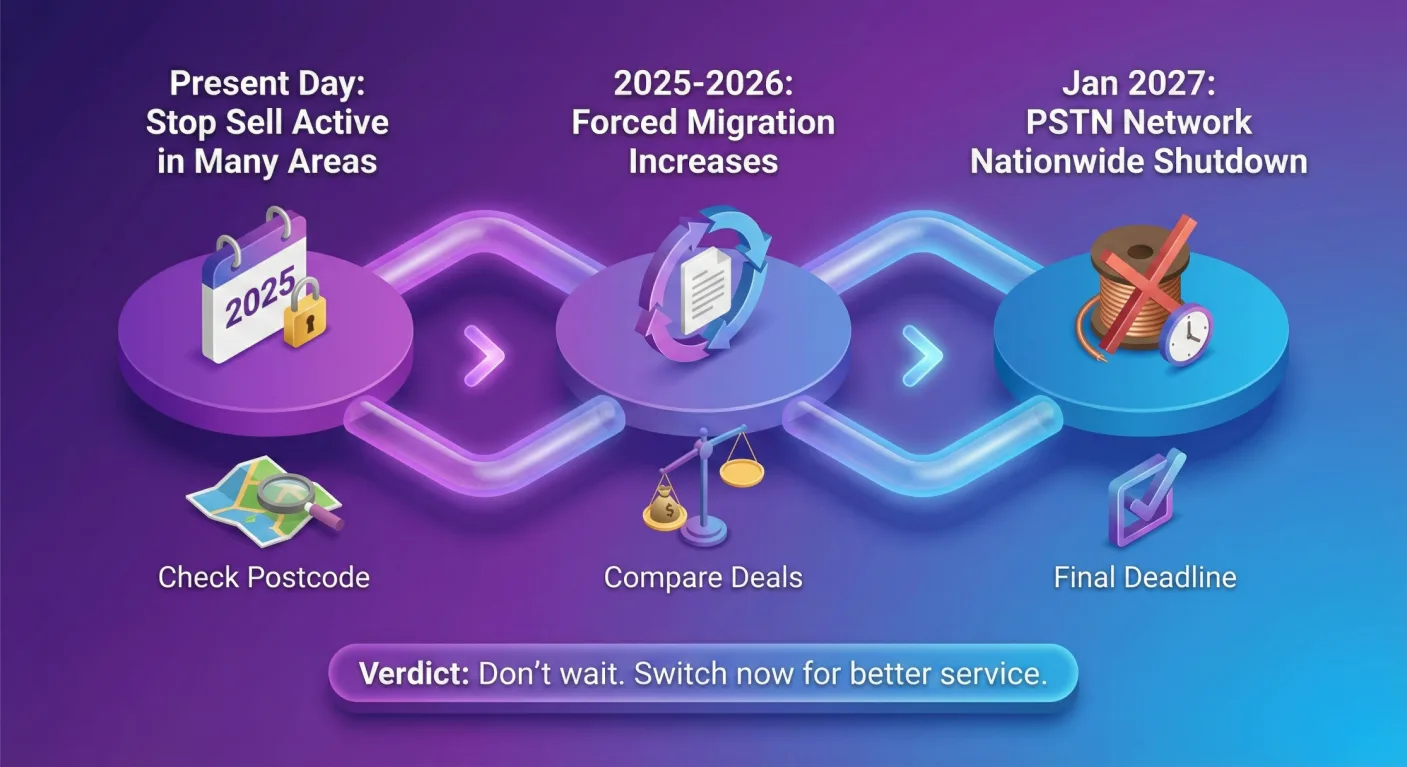
UK Copper Switch-off – What You Need to Know
The UK Copper Switch-Off 2026 Will Your Broadband and Landline Stop Working? Yes, your traditional landline’s disappearing. If you currently plug your home telephone directly into the rectangle wall socket, your service is going to stop working before 2027. The UK Copper Switch-Off isn’t a suggestion. It’s a mandatory infrastructure migration managed by Openreach that […]
Choosing the Right Broadband Package
If you’ve exhausted all the above optimisation tips and your internet speed is still slow, it might be time to consider a new broadband package.
Factors to consider include:
- Speed: Ensure the advertised speed meets your needs.
- Reliability: Look for providers with a strong reputation for consistent service.
- Cost: Compare prices and consider additional charges like line rental.
- Contract Length: Evaluate the pros and cons of different contract lengths.
- Popular UK Broadband Providers: Sky, Virgin Media, BT, Vodafone, TalkTalk, etc
Remember: The best broadband package for you depends on your specific needs and your budget. Carefully compare options and read customer reviews before making a decision.
How to increase your WiFi Speed